Log in / Sign in
Account Registration
How to Register an Account on DrunkLab Store
Thank you for choosing DrunkLab Store. This page lists the basic steps you must follow to register for an account on the DrunkLab Store website (DL.ge), set a password, and gain access to the services.
Step 1: Go to the Registration Page
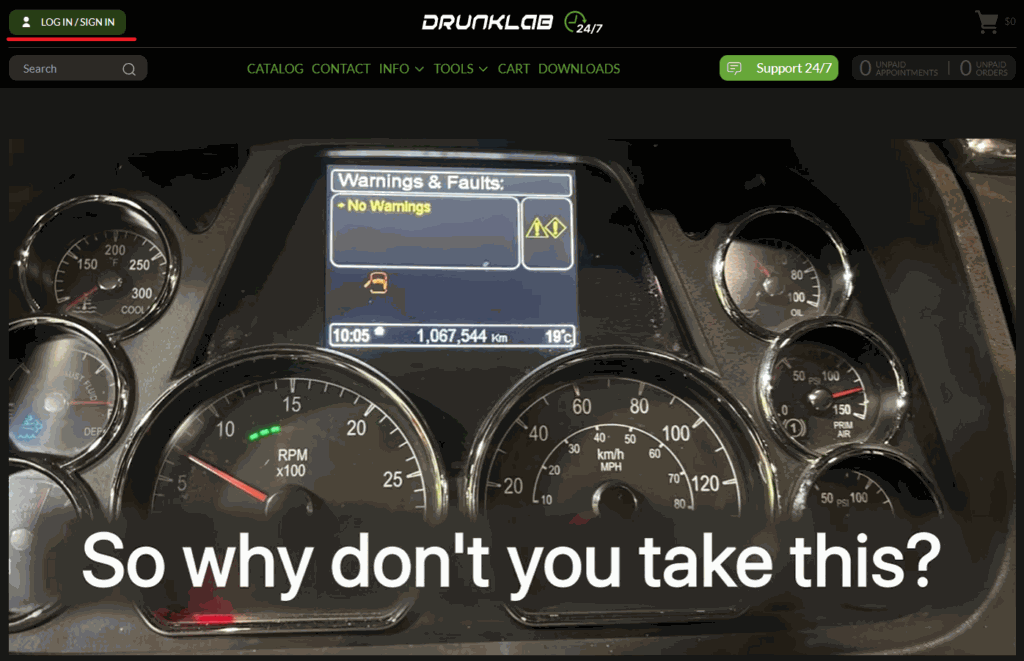
To get started, go to any DrunkLab Store page (DL.ge) and click on the “LOG IN/SIGN UP” button (underlined in red). This will direct you to the login and registration section.
See the video guide for a better understanding of this step.
Step 2: Fill in the DrunkLab Store Account Details
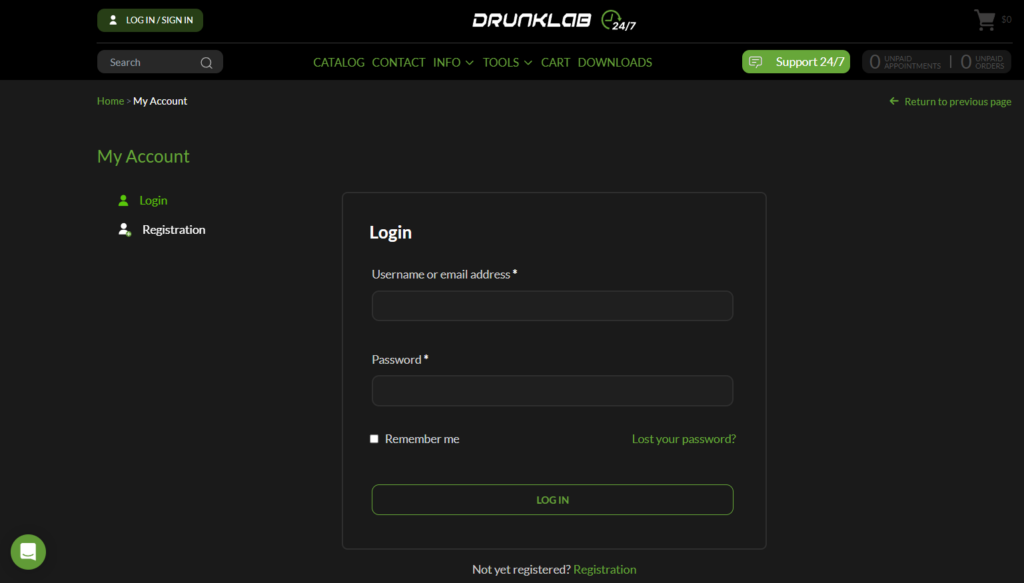
On the log in page, click on the “Registration” link (it’s underlined in red) to start creating your account.
Step 3: Finish the Registration
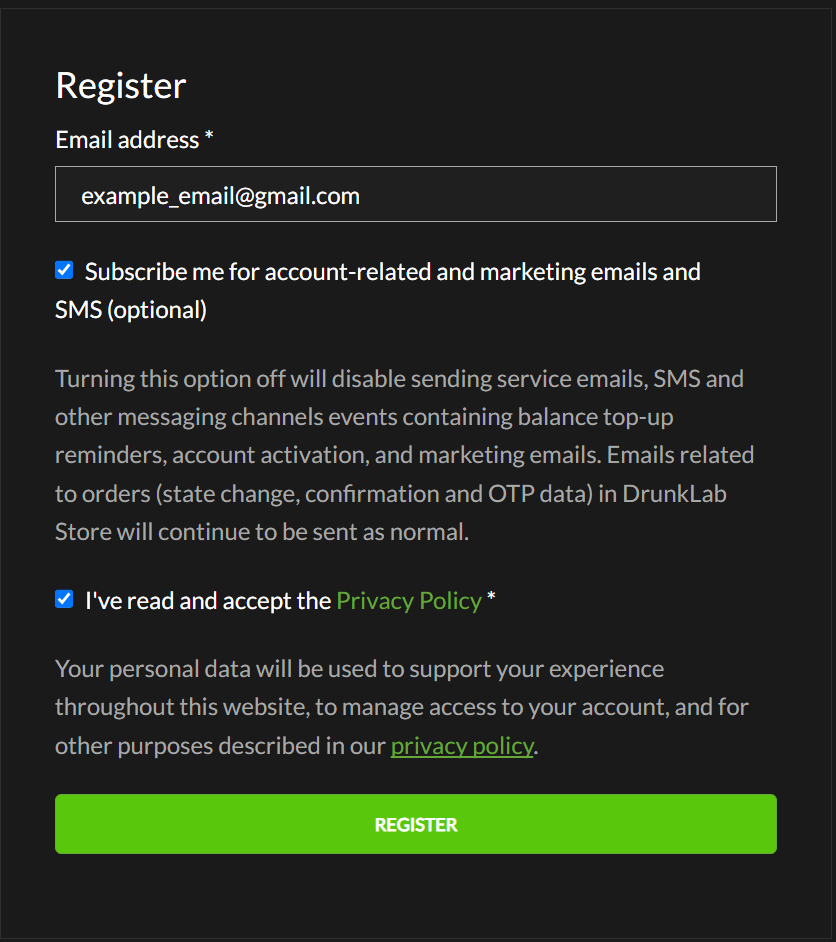
Fill in the email address, and click the button “REGISTER“. Make sure to read the Privacy Policy and click the checkbox to indicate that you accept the policy before you submit the form.