Log in / Sign in
How to Unlink Your Mobile Phone
Follow the steps below to remove your mobile phone number from your OTP authentication methods.
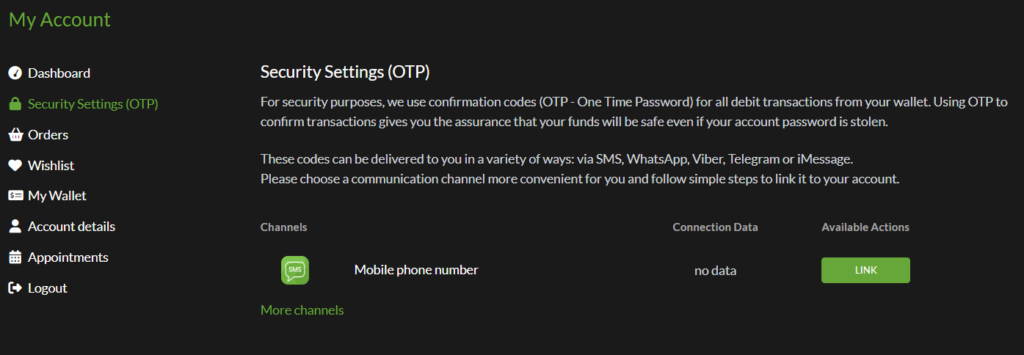
1. From your account menu, click Security Settings (OTP) and in the list of available authentication methods, click the UNLINK button next to Mobile phone number.
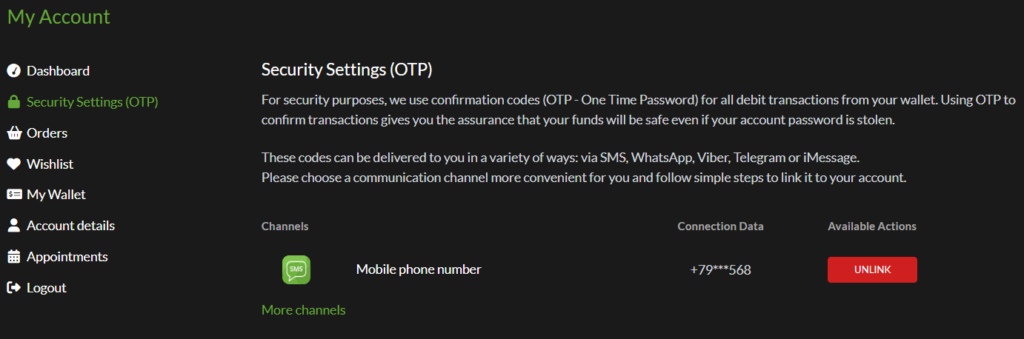
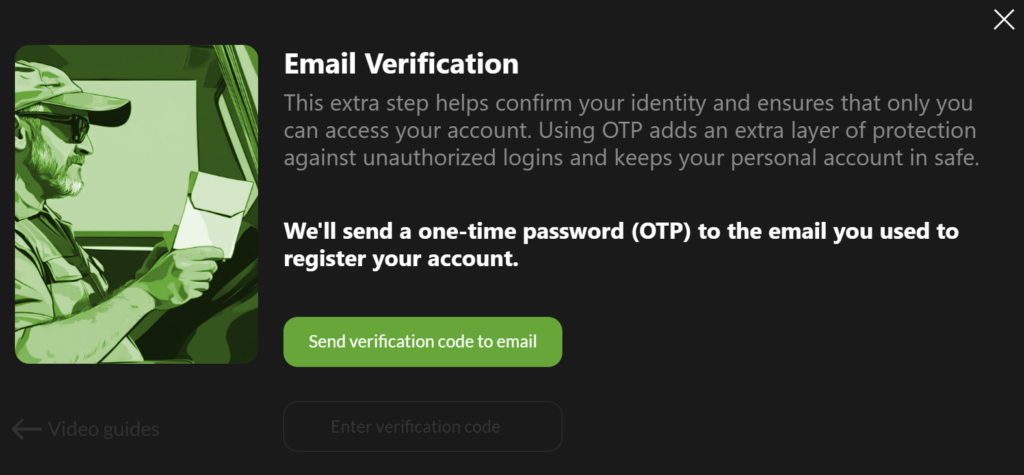
2. For security purposes, you’ll need to verify that you own the account. Click Send verification code to email,
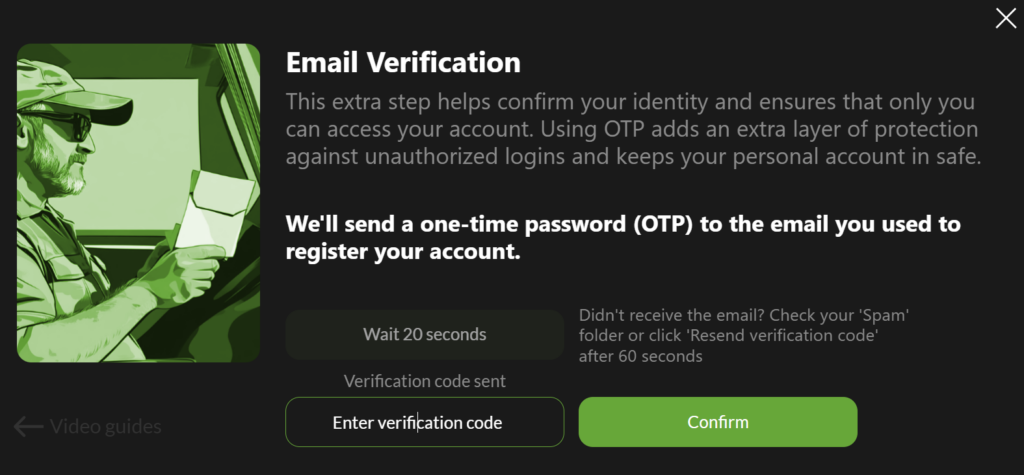
3. Enter the verification code you received in your email.
4. Click Unlink to remove your mobile phone number from your OTP authentication methods.
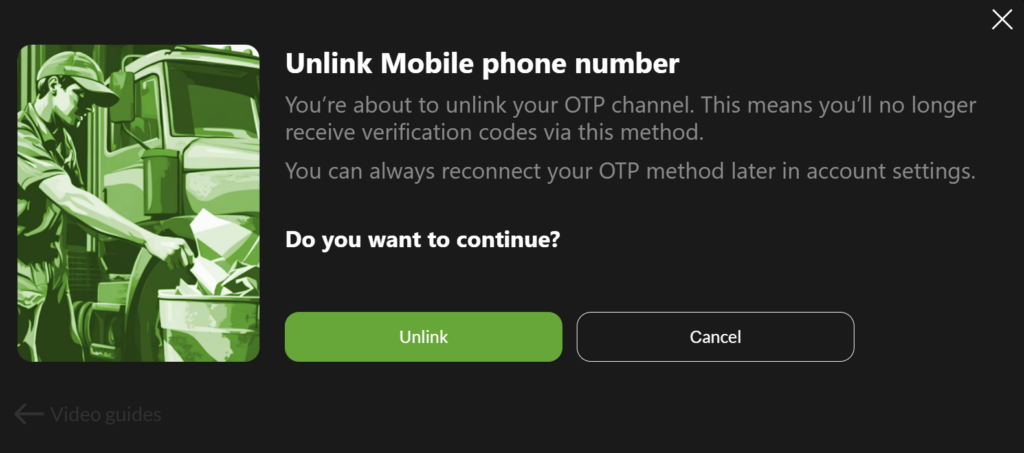
Done! Your mobile phone number has been removed from your OTP delivery channels, and you will no longer receive OTP codes on that number.
Important: We strongly recommend keeping at least one OTP delivery channel enabled at all times. Disabling OTP delivery channels reduces the security of your account and may make it more vulnerable to unauthorized access.